
The Preservation Committee meets monthly.
This virtual meeting is held via Zoom / Conference Call.
Contact CARLI Support for attendance details.
The Preservation Committee meets monthly.
This virtual meeting is held via Zoom / Conference Call.
Contact CARLI Support for attendance details.
Are you working on open educational resources (OER) or curious about what others are doing in your field? Join us for a lively virtual meet-up designed to spark ideas, share experiences and tips, and explore opportunities for cross-institutional OER partnerships.
This session is all about connection and inspiration. We’ll:
Whether you’re just getting started or already deep into OER work, this meet-up is a chance to learn from peers, build new relationships, and imagine what’s possible together.
Facilitator: Michele Leigh, CARLI
Sponsored by the CARLI OER Committee.
This session will feature some brief refresher lessons on practices for creating and working with holding records and item records, including the use of templates and working with inventory created by PO lines.
Time will be provided for questions on these topics and others. This event will be recorded, and recordings made available via the Technical Services Q&A Webinar Series.
Technical Services Q&A sessions offer staff at CARLI libraries the opportunity to share best practices and issues of concern with CARLI staff, with members of the Technical Services Committee, and with each other.
Register to reserve your place and receive an update with meeting information.
It has been six months since CARLI I-Share libraries migrated EBSCO e-collections from the Alma Network Zone to Alma Institution Zones. In this time, CARLI Support has received some tickets for issues involving linking parser parameters.
In this session, we will review what the linking parser parameters are, where they are located, what is needed in these fields when they are present in an electronic collection, and what kind of errors to be on the lookout for when activating e-collections that use these.
Additionally, each library that attends the session will be provided with a spreadsheet of every e-collection active in your Institution Zone with the associated e-collection IDs, values in the linking parser parameters fields where applicable, and the proxy settings. This can aid in cleaning up e-collections to prevent future issues and errors. Note: This spreadsheet will reflect this information from the specific point in time in which it is downloaded. If activations and deletions occur after this point in time, they will not be reflected in the spreadsheet.
There will be a short presentation, Q & A, and the option to stay in the Zoom for Study Hall to work on cleaning up your institution's Alma e-collections. Registration is required and the presentation with Q & A will be recorded.
It has been six months since CARLI I-Share libraries migrated EBSCO e-collections from the Alma Network Zone to Alma Institution Zones. In this time, CARLI Support has received some tickets for issues involving linking parser parameters.
In this session, we will review what the linking parser parameters are, where they are located, what is needed in these fields when they are present in an electronic collection, and what kind of errors to be on the lookout for when activating e-collections that use these.
Additionally, each library that attends the session will be provided with a spreadsheet of every e-collection active in your Institution Zone with the associated e-collection IDs, values in the linking parser parameters fields where applicable, and the proxy settings. This can aid in cleaning up e-collections to prevent future issues and errors. Note: This spreadsheet will reflect this information from the specific point in time in which it is downloaded. If activations and deletions occur after this point in time, they will not be reflected in the spreadsheet.
There will be a short presentation, Q & A, and the option to stay in the Zoom for Study Hall to work on cleaning up your institution's Alma e-collections. Registration is required and the presentation with Q & A will be recorded.
It has been six months since CARLI I-Share libraries migrated EBSCO e-collections from the Alma Network Zone to Alma Institution Zones. In this time, CARLI Support has received some tickets for issues involving linking parser parameters.
In this session, we will review what the linking parser parameters are, where they are located, what is needed in these fields when they are present in an electronic collection, and what kind of errors to be on the lookout for when activating e-collections that use these.
Additionally, each library that attends the session will be provided with a spreadsheet of every e-collection active in your Institution Zone with the associated e-collection IDs, values in the linking parser parameters fields where applicable, and the proxy settings. This can aid in cleaning up e-collections to prevent future issues and errors. Note: This spreadsheet will reflect this information from the specific point in time in which it is downloaded. If activations and deletions occur after this point in time, they will not be reflected in the spreadsheet.
There will be a short presentation, Q & A, and the option to stay in the Zoom for Study Hall to work on cleaning up your institution's Alma e-collections. Registration is required and the presentation with Q & A will be recorded.
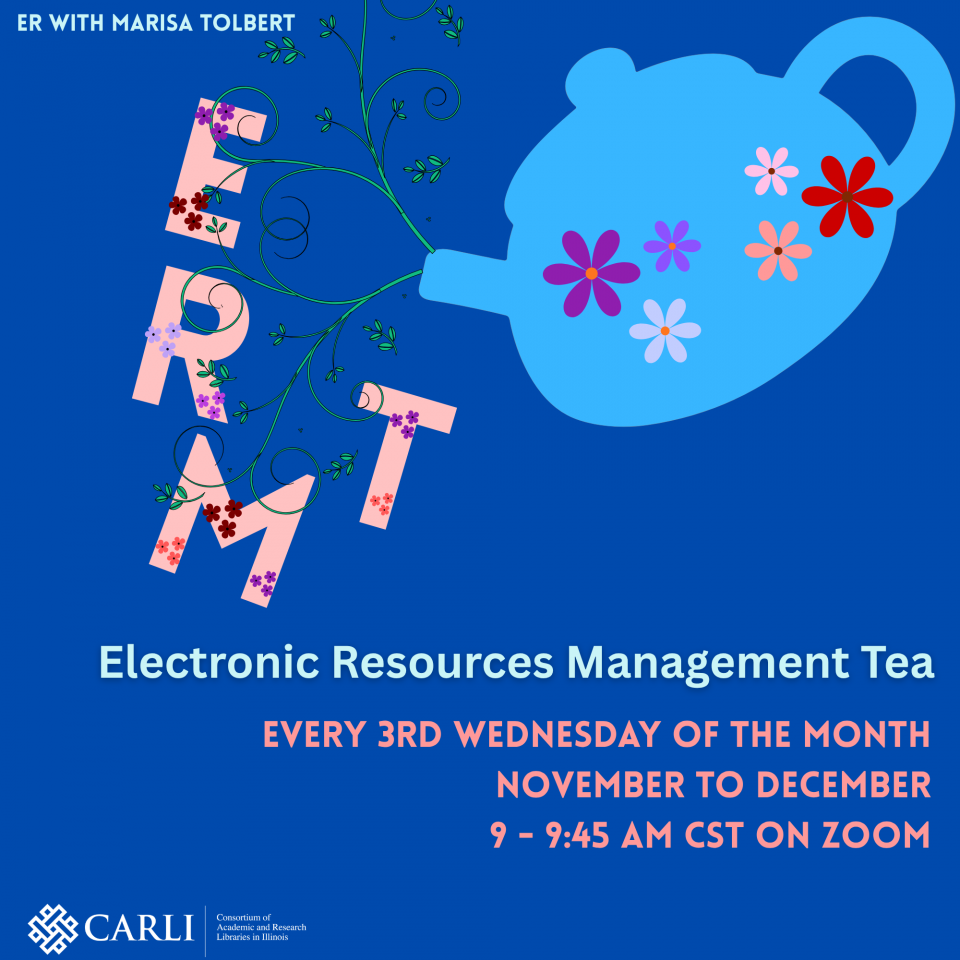
The Electronic Resources Management Tea is every third Wednesday* of the month from 9 - 9:45 am on Zoom, November through December 2026.
*The regular occurence of the ERMTs has shifted for the months of November and December due to conflicts with holidays.
The CARLI Discovery Primo VE Committee meets monthly via Zoom. Contact the committee chair or CARLI staff with any questions.